
Contents
1. Introduction: Why Mobile Suica Will Change Your Trip
Imagine this: you have just arrived in Tokyo after a long flight, you’re carrying luggage, and you are trying to catch a train to your hotel. You see long lines of people standing in front of ticket machines, fumbling with coins, or figuring out which train ticket they need. Meanwhile, you just want to get moving quickly, without the stress.
This is where Mobile Suica comes in to completely change the way you travel in Japan. Instead of lining up for paper tickets or physical IC cards, Mobile Suica allows you to have everything directly on your smartphone. With just a simple tap of your phone, you can pass through train gates, pay at convenience stores, or even shop at vending machines.
The biggest benefit? No more waiting in line for ticket machines. You don’t need to figure out how much fare to pay, and you don’t need to constantly reload coins or bills. Mobile Suica lets you charge your card directly through the credit card registered on your smartphone. This means you can top up anytime, anywhere, without hunting for a machine. For travelers, especially those visiting Japan for the first time, this is one of the easiest ways to save time and stress.
In addition, Mobile Suica is not limited to Tokyo. It works in most major cities across Japan, including Osaka, Kyoto, Sapporo, and Fukuoka. Even if you are traveling on local buses or regional trains, Mobile Suica can often be used. Instead of buying individual tickets for every destination, you simply tap your phone and go.
Another huge advantage is integration with your daily needs. You can use Mobile Suica not only for trains, but also for shopping in convenience stores, buying snacks from vending machines, or even paying for entry at some attractions. In short, your smartphone becomes your all-in-one travel card.
For young international travelers who are used to digital wallets and mobile payments, adopting Mobile Suica is an obvious choice. The process may sound complicated at first, but the reality is simple: download the app, set it up, and you’re ready to go. This guide will walk you step by step through how to install Mobile Suica, how to register it on your iPhone or Android, and how to start using it in Japan immediately.
By the end of this article, you’ll be ready to say goodbye to ticket machine lines forever and hello to stress-free travel across Japan. Let’s dive into how you can get started.
2. Option One: How to Install and Use Mobile Suica via the Official App
The most straightforward way to start using Mobile Suica is to download the official Suica App. This method is especially common for Android users, but it is also available for iPhone users who prefer managing Suica separately from their Wallet app.

Step 1: Download the app
Head to the App Store (for iOS) or Google Play Store (for Android) and search for “Suica” or “Mobile Suica.” Make sure you are downloading the official app by JR East (East Japan Railway Company).
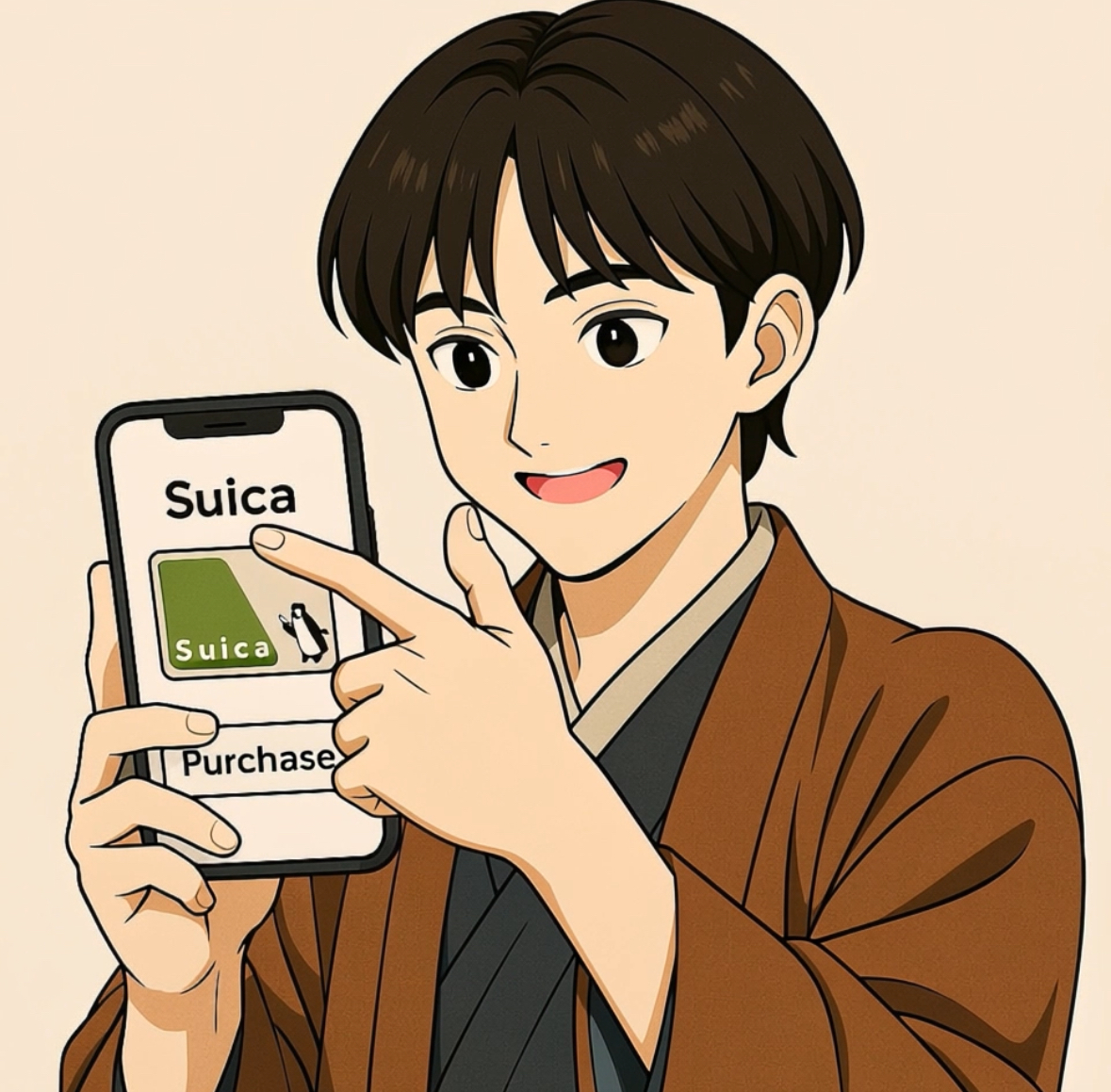
Step 2: Create a new Suica card inside the app
Once the app is installed, open it and select the option to issue a new card. You’ll be asked to choose between:
- A standard Suica (for trains, buses, and shopping)
- A commuter pass (for those who travel the same route daily)
For tourists, the standard Suica is the best option.

Then, you can get new Suica!
Step 3: Add payment method and charge balance
The app will prompt you to link a credit card (via Google Pay or Apple Pay). Once linked, you can charge your Suica instantly without visiting a machine.
Step 4: Start using immediately
After setup, your Suica balance will appear in the app. You can tap your phone on ticket gates, buses, convenience stores, or vending machines. No physical card is needed—the Suica lives inside your app.
Why this method is useful
- Perfect for Android users, since Wallet integration is less universal.
- Lets you manage multiple Suica cards in one place (for family or friends).
- Provides access to extra features, such as transaction history and balance reminders.
Using the official Suica app ensures you are always in control. You can monitor how much money you have left, recharge on the go, and avoid all the headaches of ticket machines.
3. Option Two: Add Suica Directly from Wallet Apps
For iPhone users—and increasingly for Android users with Google Wallet—there is an even faster option: adding Suica directly from your phone’s digital wallet.

Step 1: Open Wallet
On iPhone, open the Wallet app. Tap the “+” button in the top corner, and from the available cards, select “Suica.” On Android, open Google Wallet, and look for the option to add a transit card.
Step 2: Issue a new Suica card
Once selected, you can instantly create a brand-new Suica card without downloading the separate Suica app. Within seconds, the card will appear in your Wallet, ready to use.

Step 3: Charge balance through Wallet
After issuing your Suica, tap “Add Money” in Wallet. You can fund your Suica using any credit or debit card linked to Apple Pay or Google Pay. This is a huge advantage for travelers because you don’t need to worry about whether your foreign card works with Japanese machines—if it works in Wallet, it will work here.

Step 4: Use Suica with just your phone
From now on, you only need your phone to ride trains, take buses, or shop in convenience stores. Just hold your device near the IC card reader. On iPhone, you don’t even need to unlock the screen—Suica works in Express Transit mode, meaning it will scan automatically as long as your phone is powered on.
Why this method is useful
- Fastest setup: no separate app required.
- Seamless with Apple Pay/Google Pay: recharge in seconds.
- Express Transit: on iPhone, you can walk through ticket gates without unlocking or opening Wallet.
For many short-term travelers, adding Suica directly via Wallet is the simplest and most stress-free way. You arrive in Japan, open Wallet, add Suica, charge it, and you’re done—all in less than five minutes.
4. Conclusion: Travel Japan Stress-Free with Mobile Suica
At this point, you’ve learned what Mobile Suica is, how to download the app, and how to add Suica to your Apple Wallet or Android device. The final step is to actually start using it during your trip—and this is where you will truly see its benefits.
Think about all the moments in your journey when Mobile Suica will save you time and energy:
- Passing through a busy station like Shinjuku without lining up at ticket machines.
- Catching a last-minute train without needing to figure out the fare.
- Buying a quick drink or snack from a vending machine while on the go.
- Paying for items at a convenience store without carrying coins or bills.
All of these experiences add up to a smoother, more enjoyable trip. Instead of wasting precious minutes in front of a machine, you spend them exploring temples, enjoying food, or discovering hidden spots in Japan.
For travelers who care about efficiency, this is an essential tool. Even if you only stay in Japan for a week, the convenience will make a noticeable difference. And if you return in the future, your Mobile Suica card will still be there, ready to use again.
In conclusion, Mobile Suica is not just about convenience—it’s about transforming the way you experience Japan. It gives you more time for discovery, more freedom to move around, and less stress overall. So before you even step foot on a train platform in Tokyo, take five minutes to download the Suica app or add it to your Wallet. You’ll thank yourself later when you breeze past the long ticket lines with just a tap of your phone.
Now it’s your turn: download Mobile Suica today and unlock the easiest way to travel Japan.

Leave a Reply