
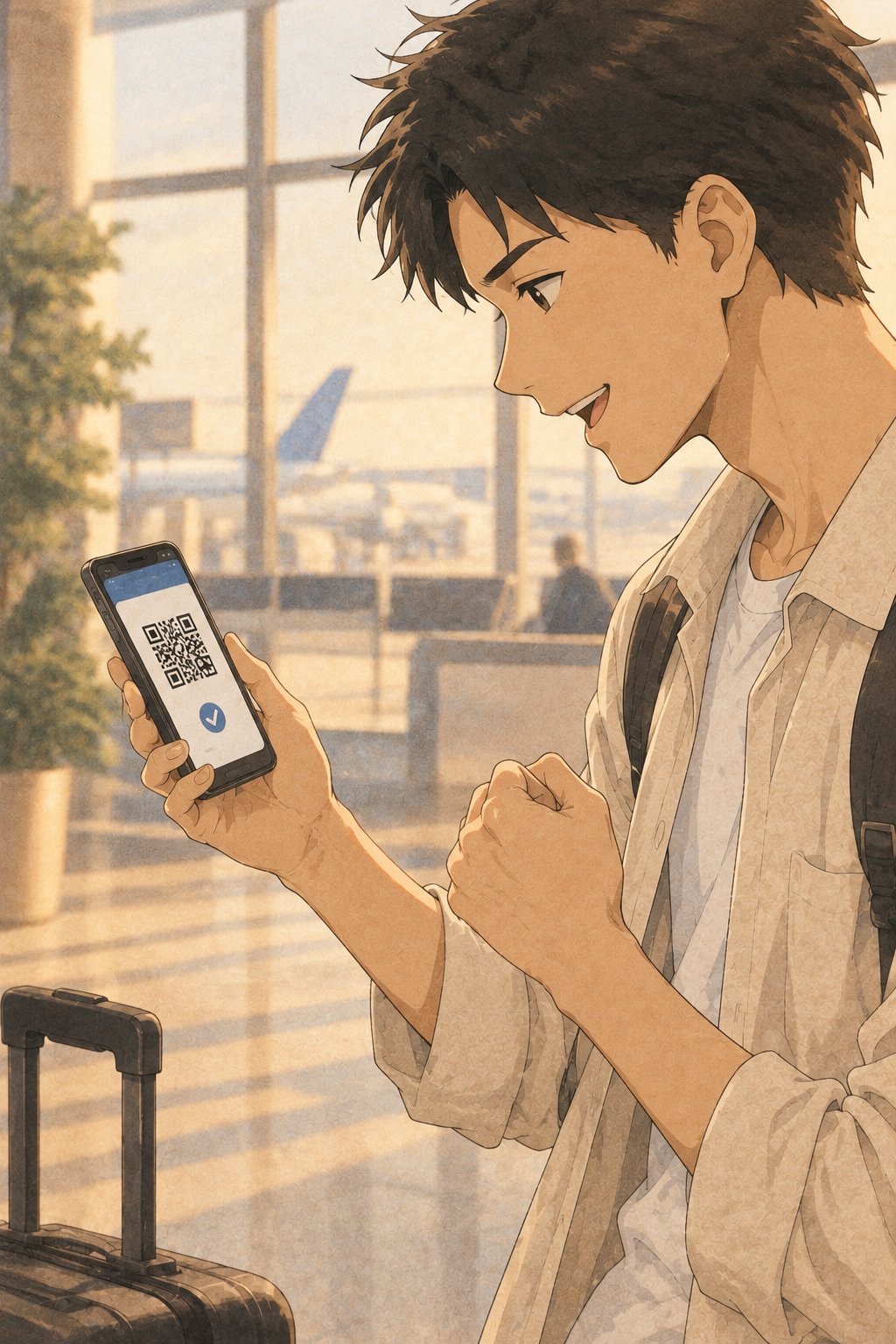
Visit Japan Web is Japan’s free government website where you enter your immigration and customs details before you fly. You get a QR code, scan it with your passport at a kiosk after landing, and skip the paper forms. It is optional. I would still do the registration at home.
The Queue Between the Plane and the Baggage Carousel
The seatbelt sign switches off, the overhead bins open, and a few hundred people walk toward the same hall. Your bag is already circling on a carousel somewhere beyond it. Between you and that bag sits paperwork.
Without registration, you fill in two paper forms by hand: an entry record and a baggage declaration. You write them on a tray table in the air or at a counter with a queue behind you.
The numbers show why this matters. In the tourism agency’s FY2025 survey, 10.3% of visitors said “immigration procedures” was a problem during their trip. Kansai International Airport was the most common place, at 16% of those affected.
Japan received 3,098,900 international visitors in August 2026, down 9.6% on the year before. In my view, even that quieter figure means arrival halls stay full.
The saving is small per person. An official quoted by Travel Voice put it at two to three minutes at the new kiosks. Over a full hall, two minutes each becomes a shorter queue for everyone behind you.
A Japanese resident coming home waits in the same hall. Residents can also use Visit Japan Web for the customs declaration, so the form is ordinary border business, not a test set for visitors.
Tonight, find your arrival date and final flight number in your booking. The site asks for both.
What Visit Japan Web Replaces, and Why Japan Asks You to Do It Early

Visit Japan Web is run by the Digital Agency, the national government’s digital office. It replaces the paper entry record and the paper baggage declaration. It also holds the health questions for quarantine and an optional tax-free shopping QR, as laid out in the official guide and FUN JAPAN’s walkthrough.
It began in December 2021, under pandemic border controls, as a way to move customs, immigration and quarantine paperwork online.
Japanese has a word for the idea behind it: dandori, the arranging of steps in advance. A tea host sets out the bowl and the whisk before the guest sits down. The calm of the room is made earlier.
In my reading, Visit Japan Web is dandori applied to a border. You do the slow work at a table at home, and the moment at the kiosk shrinks to a scan.
I treat it as worth doing for one reason. Everything it asks, a paper form asks too, and it asks while you are rested and seated.
Paper forms remain available if you skip it, so it is optional. It is also not a visa. Check your nationality’s visa rules separately, before you book anything that cannot be refunded.
Start at services.digital.go.jp/visit-japan-web, then follow its link to the login page. Pay nothing.
Visit Japan Web Registration: One Sitting at a Table at Home

Register once your flights and first night’s lodging are fixed. Have four things ready: your passport, the flight number, the address and phone number of your first stay, and an email address.
The steps run in this order.
- Create an account with your email, then confirm it with the code that arrives.
- Enter your passport details by camera or by hand.
- Add your trip: arrival date, departure place, airline, flight number.
- Add where you will sleep on the first night.
- Answer the health, immigration and customs questions, then save your QR code.
The camera scan is optional unless you want the tax-free QR. Use bright, even light, because glare makes it fail. With a connecting flight, enter the last flight into Japan.
Step 4 is where first-timers stall. A Japanese address usually names no street. It runs from the largest area to the smallest: prefecture, city, ward, then a block-and-building number such as 1-1-1.
The form wants Roman letters. Open your booking confirmation in a second window and copy each line across, postal code first. Ward names end in -ku and town names in -cho, so copy the endings too. For a private rental, give the property name and the host’s phone number. For a friend’s home, give their phone number and no name.
If your flight or lodging changes, update the registration before you land and save the QR again. One guide I read tells readers to create a new trip entry when a flight number changes.
A family can register together. One account takes up to 10 companions, and each person still gets an individual QR code.
Tonight, put the final flight number, the first hotel’s postal code and its phone number in one note on your phone, then open the site.
Before You Land: Save the QR, Then Find the Kiosk

Screenshot the immigration and customs QR code before you board. If airport Wi-Fi fails, a screenshot still opens. Save it again after any edit, and carry the passport itself, because the QR does not replace it.
Recent guides report that the two codes have merged into one. Show whatever your screen gives you.
Kiosks that take your QR code and passport chip in one stop run at Kansai Terminals 1 and 2, Haneda Terminals 2 and 3, Narita Terminal 3 and Fukuoka Airport. Narita Terminals 1 and 2 joined on 24 September 2026. At any airport not on that list, show the QR at the usual counter.
The list is not fixed. A guide written in the summer is already out of date, so check your airline’s arrival terminal a few days before you fly.
The kiosk sits in the immigration area, before baggage claim. You scan the QR code and passport, have your photo taken and give fingerprints. Visitors then use a booth set aside for kiosk users, collect their bags, and meet customs. If no inspection is needed, a face-recognition gate lets you walk through. Officers may still inspect your bags.
Japanese citizens use the same kiosk. They leave through a walk-through gate where visitors go to the booth. Same machine, different exit.
Each person scans alone, and the kiosk does not accept anyone under 135 cm tall. I would not promise an empty hall. The kiosk shortens your queue, it does not remove it.
If your route starts in Kyushu, Fukuoka Airport has the same kiosk.
Before boarding: raise your screen brightness, check the QR opens with Wi-Fi off, and put the passport in a pocket you can reach without looking.
Five Mistakes First-Timers Make with Visit Japan Web
- Paying someone. The service is free, and fake or paid look-alike sites exist. Never enter card details.
- Keeping an old screenshot. After any change to flight or lodging, update the entry and save the QR again.
- Screenshotting the tax-free QR. The entry QR can be a screenshot. The tax-free QR cannot, and it needs the camera passport scan plus the landing-permission sticker that immigration places in your passport.
- Treating the kiosk as the end of customs. Officers can still inspect bags.
- Sharing one scan across a family. Each person scans separately.
Japan is moving tax-free shopping from a discount at the till to a refund at departure from November 2026, according to FUN JAPAN. Keep every receipt.
The declaration asks about prohibited items and goods over the duty-free allowance. Residents answer the same questions when they come home, so read each one before you tap No.
Tomorrow, when you shop: carry the passport itself. The sticker that the tax-free scan reads is on one of its pages.

Quick Facts
- Access: a free website run by Japan’s Digital Agency. Start at services.digital.go.jp/visit-japan-web and follow the login link. Kiosks run at Kansai, Haneda, Narita and Fukuoka.
- Cost: free.
- Time needed: The saving at a kiosk is quoted at two to three minutes per person.
- Best timing: once flights and first-night lodging are fixed, and before you board. It applies year-round, but terminal lists change.
- One caution: the tax-free QR cannot be a screenshot. The entry QR can.
FAQ
How do I deal with Visit Japan Web: Register Once, Skip the Paperwork in Japan?
Register online before you fly and save the QR code. After landing, scan it with your passport at a kiosk if your airport has one. Otherwise, show it at the usual counter. Paper forms still work if you skip it.
Do I need cash for Visit Japan Web: Register Once, Skip the Paperwork?
No. The service is free, and a site that asks for card details is not the official one. Tax-free shopping is a separate matter, and it is changing from November 2026.
Is Visit Japan Web: Register Once, Skip the Paperwork difficult without speaking Japanese?
The hard part is the address, not the language. Copy your first stay’s address from your booking confirmation in Roman letters, postal code first.
What mistakes do visitors make with Visit Japan Web: Register Once, Skip the Paperwork?
The slips I would watch for are paying a look-alike site, keeping an outdated screenshot and screenshotting the tax-free QR. A fourth is assuming the kiosk ends customs.
When should I prepare for Visit Japan Web: Register Once, Skip the Paperwork?
Once flights and your first night’s lodging are fixed, and before you board. Save the QR again after any change. Check the kiosk list for your terminal a few days before you fly.
Sources
- Digital Agency, Visit Japan Web guide
- FUN JAPAN, Visit Japan Web registration guide (Japanese)
- Ministry of Finance Customs and Immigration Services Agency, joint kiosk release, 18 Sept 2026
- Ministry of Justice, joint kiosk overview
- Japan Customs, joint kiosk page
- Impress Watch, joint kiosk report
- Time Out Tokyo, Visit Japan Web launch
- Travel Voice, 9 Oct 2026
- https://lit.link/en/tossyspageJNTO, August 2026 visitor arrivals
- Japan Tourism Agency, FY2025 reception environment survey


Leave a Reply